Redstone Systems and Optimization
An explanation of redstone mechanics in Minecraft, the causes of lag from redstone/farms, and how to use plugins like RedstoneLimiter, AntiRedstoneClock, and Insight/BlockLimiter to prevent lag.
How Redstone Works in Minecraft
In Minecraft Java Edition, the entire world runs in game ticks, with 20 ticks per second.
- A "game tick" is responsible for world updates: entities, movement, block updates, redstone, etc.
- For redstone, the term "redstone tick" is usually used, which is 2 game ticks (around 0.1 seconds). Many redstone components such as repeaters, torches, and comparators work in multiples of a redstone tick.
- When redstone changes (for example a lever is pressed, a piston activates, an observer detects a block), that change triggers a block update: a notification to neighboring blocks that something has changed and they may change too. A block update can propagate to many blocks depending on the redstone circuit.
Because every redstone change and every block update is processed within the server tick, the more redstone is active & updating frequently = the greater the CPU load per tick.
Source: https://minecraft.wiki/w/Redstone_mechanics#Redstone_tick
For server-configuration-based redstone optimization, using something like Alternate Current makes redstone far lighter. Activation guide
Lag Patterns from Redstone
Some redstone situations that often cause lag:
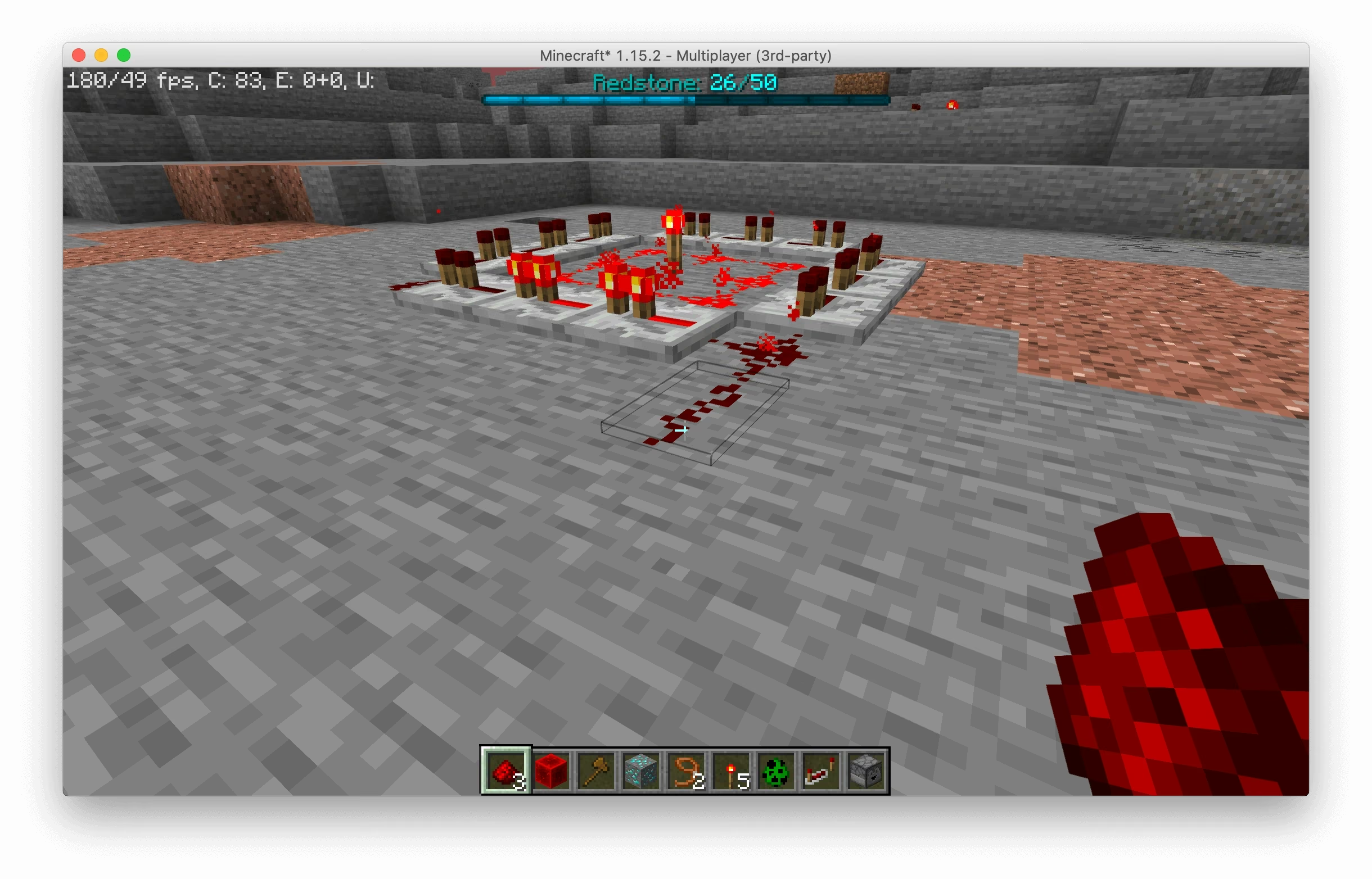
- Unlimited Redstone Clock/Loop, for example two observers triggering each other endlessly, a piston firing repeatedly, or a fast repeater loop; this causes constant updates & block updates every tick.
- Large circuits (long wiring + many components), long dust + many repeaters, pistons, observers, lamps, dispensers, hoppers, etc. = lots of block updates when the state changes.
- Automatic contraptions (item sorters, auto-farms, auto-harvesters, auto-doors, etc.), often trigger redstone at a high rate, especially when a farm is active.
- Using hoppers/inventories + redstone/pistons at the same time (although hoppers are more about entity/inventory ticks, combining them with redstone can make things worse).
When a server has many builds like that from many players, the load of redstone + block updates + entity updates can exceed the safe limit -> server lag, TPS drops, random lag spikes.
Hoppers are one of the biggest causes of lag, especially when empty because they keep doing an inventory check every tick. You can make a rule so players replace long hopper lines with water streams or hopper minecarts to reduce the server load.
Controlling Redstone with Plugins
By understanding the basics above, we can use plugins to help hold back or limit the server load. Here are the plugins & methods I often use:
RedstoneLimiter (paid)
- This plugin limits redstone activity per block or per chunk.
- It can be configured so that when there are too many changes ("state changes") in a short time, blocks become temporarily "off"/inactive to avoid overload.
- Features such as auto-disabling redstone when the server TPS drops, and notifications to admins/players when the limiter activates. Suitable if you want to give redstone freedom, but still keep the server from blowing up.
AntiRedstoneClock-Remastered / other anti-clock plugins
- Main focus: detecting redstone clocks/loops that stay on continuously.
- It can notify staff/console when a clock is detected, and disable or destroy the block causing the clock. Suitable for survival servers where you want to limit the potential for redstone abuse without completely disabling redstone mechanics.
Insight
- Even though its function is as a "block-limiter", it can help control the redstone side + other mechanics such as pistons/hoppers/observers per-chunk or per-area.
- With the limiter, you can limit the number of "active" blocks in a single chunk or a certain region, preventing large builds that could become lag machines.
Recommended Setup
| Goal/Case | Recommendation |
|---|---|
| Allow redstone & automatic mechanics but keep it safe for all players | Use RedstoneLimiter with a per-second/per-chunk change limit + alert when the limit is hit |
| Allow simple redstone (doors, lamps), but prevent clock abuse/spam systems | Enable AntiRedstoneClock, and configure the plugin so it only detects & disables clocks, not light redstone blocks |
| Farms + large/many automation setups (sorters, harvesters, item transfer) | A combination of BlockLimiter (Insight) + RedstoneLimiter + an entity control plugin (FarmControl) |
Written by Evan Andreyan (A.K.A LourenT) - Head of Development, foxy-network.net